Bug Fix: Flight Simmer Printing Issue in v6.40.2
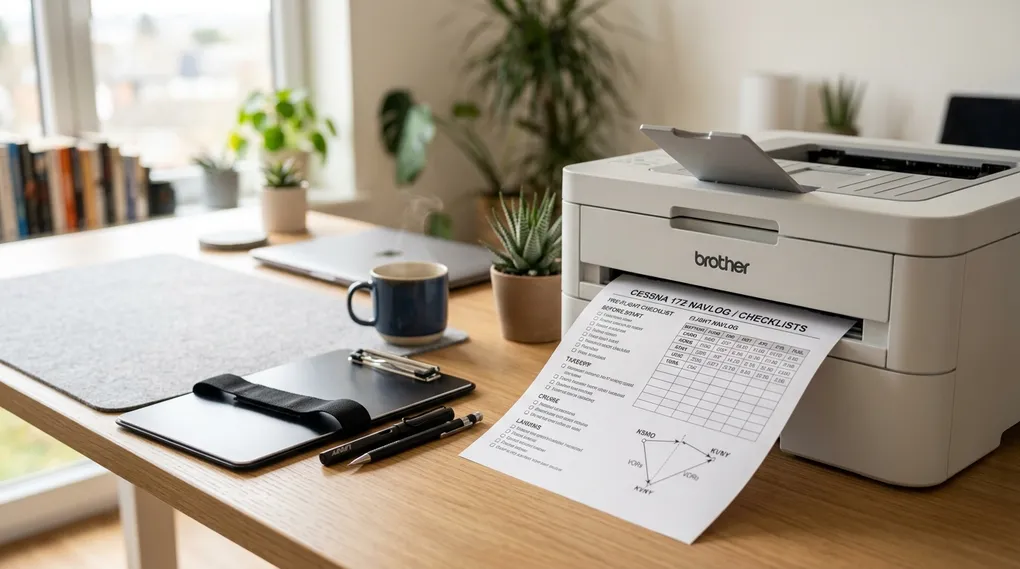
GA Kneeboard version 6.40.2 resolves a print dialog issue that prevented pilots on the Flight Simmer tier from printing their kneeboards.
Special thanks to Philip for reporting this issue and helping us pin down the behavior.
The Issue
In recent updates, advanced printing options (such as custom duplex flipping, clip margins, and info bar toggles) were separated to ensure clear tier boundaries between the free Flight Simmer plan and paid subscriptions.
However, an issue in the print dialog caused default print option states from local storage to trigger an unexpected upgrade prompt for Flight Simmer users. As a result, users attempting to print standard kneeboard layouts were blocked from completing their print jobs.
The Fix
Version 6.40.2 applies several updates to the print dialog workflow:
- Clean Default Print Options: The print dialog now cleanly enforces standard default print options for Flight Simmer accounts without triggering unnecessary upgrade validation.
- Disabled Advanced Controls: Advanced print buttons and toggles are properly disabled for restricted accounts, preventing unintended state changes.
- Refined Upgrade Validation: The upgrade check now strictly inspects intentional user modifications rather than tripping on stored defaults or unselected pages.
- User State Listener: Added reactive state listeners to ensure print options update immediately if account status or permissions change during a session.
Cockpit Benefit
Flight Simmer pilots can once again assemble their pre-flight kneeboards, hit Print, and walk out to the aircraft or simulator with clean physical sheets ready on the clip.
The update is live now at kneeboard.ga. If you run into any printing issues or have feedback, contact us at support@aviatesoftware.aero.