Weather Tile Customization
Weather Tile Customization
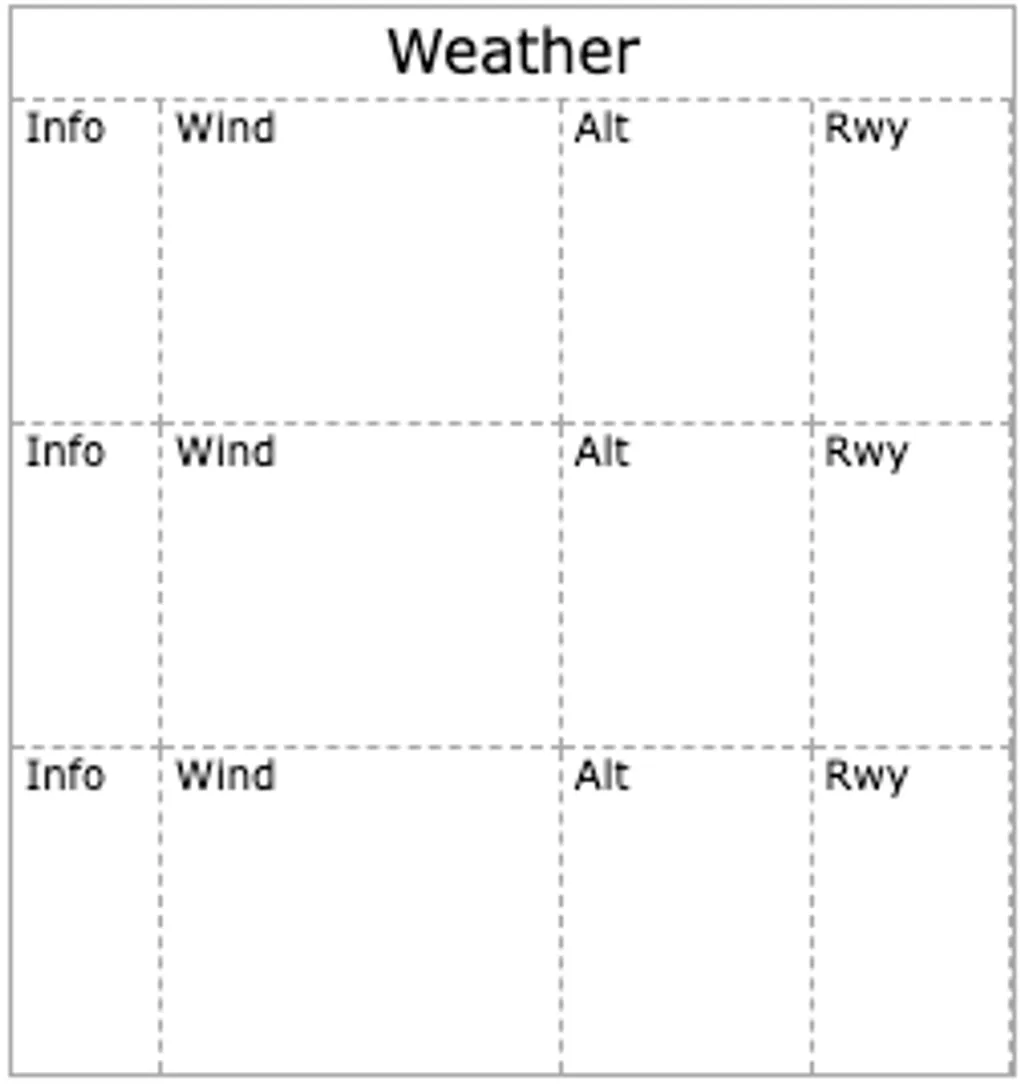
We added customizable settings for the Weather (ATIS) Tile to help format the weather section on your kneeboard for your note-taking style.
Dynamic Sizing
Flight needs vary. Sometimes you only need a compact snapshot of wind and altimeter, while other times you want a fully detailed ATIS breakdown. Previously, the Weather Tile was a static layout.
You can now set the number of weather lines to 2, 3, 4, or 5.
- Compact View: Scale down to a 2-line layout for a leaner view.
- Full Details: Keep it at 5 lines to capture every detail from the ATIS broadcast.
This setting seamlessly scales your grid layout across both the compact and full expanded display modes.
Toggle Watermarks
The Weather Tile uses faded placeholder text as a background guide (@, G, Vrb, SM, string dividers, etc.). While these watermarks help keep your notes organized, many pilots prefer a blank slate to write over without visual clutter.
You can now completely hide watermarks. A single toggle removes all background guides, leaving you with clean, empty boxes to jot down your weather data.
Accessing the Settings
To customize your Weather Tile:
- Tap the Gear Icon in the top left header of any Weather Tile.
- In the Settings Menu, adjust your Number of Lines and toggle your Watermarks preference.
- Your layout updates instantly and saves automatically to your profile.
These features are designed to make your digital kneeboard experience as seamless as possible. Open up your board, tweak your Weather Tile settings, and let us know what you think of the new look.
Safe flying!