New Route Feature
We are excited to introduce the new Route feature! This functionality allows you to update multiple Airport tiles in one pass, making it ideal to reuse the same kneeboard across multiple routes.
How It Works
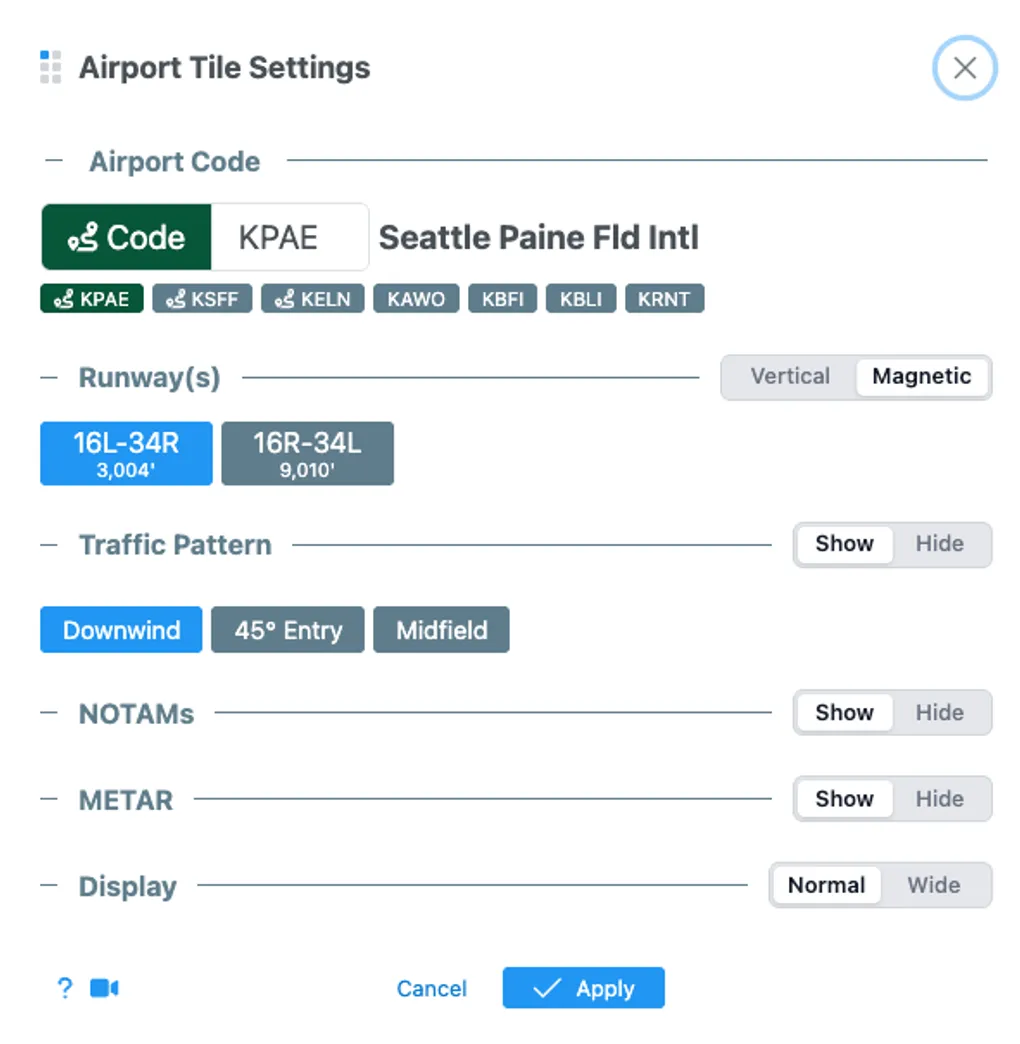
In the airport tile settings, you can now click one of the route buttons to make the airport “stick to the route”, which is represented with a green background.
Check out this brief video for a demo:
Demo Video: Updating Multiple Airport Tiles
Simplified Airport Tile Settings
We have also simplified the Airport Tile Settings looks for improved usability, giving you a cleaner and more intuitive interface to configure your tiles.
