Char Supplement and Notice (v6.7.0)
You are now able to see chart supplements and airport notices from the charts page. In the new page selection, you should now see the “Diagrams and Supplement” instead of “Airport Diagram”. If are still see “Airport Diagrams” reload the page. If you are only seeing the 6 big icons, click “More…”
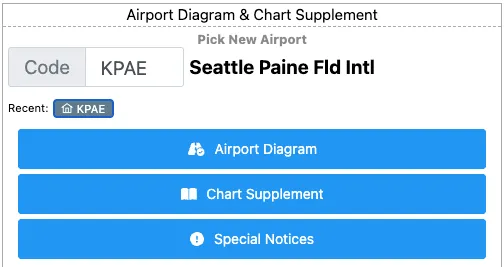
That will allow you to pick between a couple of charts, including Chart Supplement and Special Notices. This is subject to document availability at the airport so list may vary.
We have also improved PDF navigation with a page selector at the bottom of the page, should the document have more than one page, and an “open in new” tab button in the bottom right corner:

Thank you Mike for making this suggestion!
See for yourself : https://kneeboard.ga