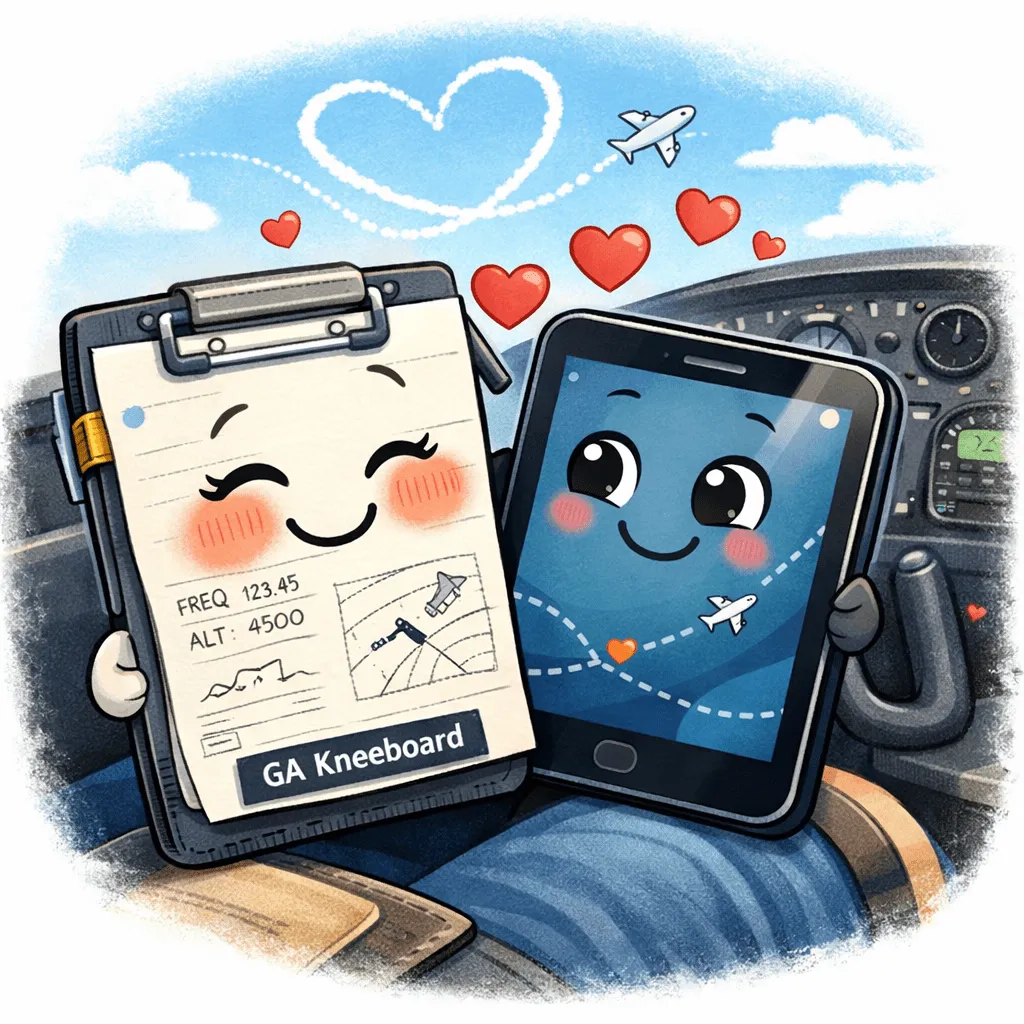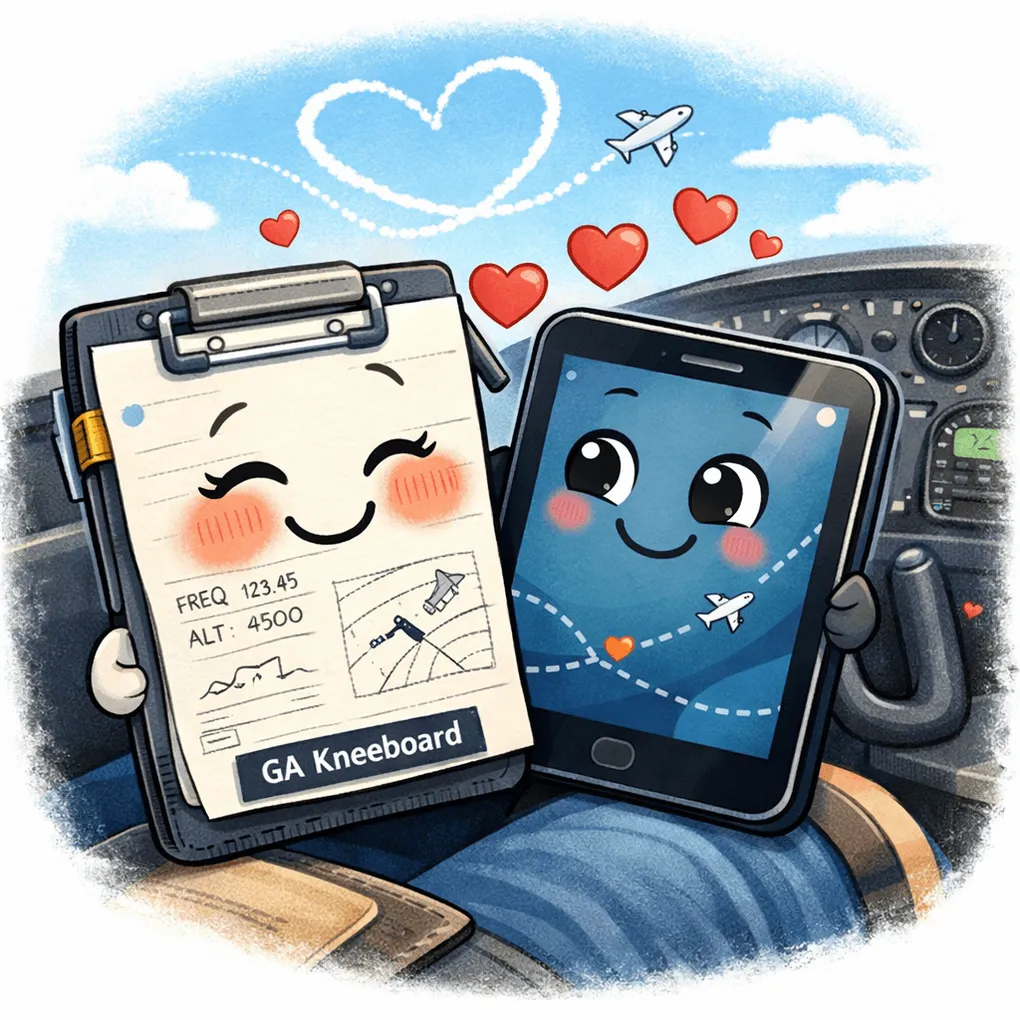
The Hybrid Cockpit: Why Paper Completes the iPad
Here’s my thesis: combining paper and electronic flight bags (EFBs) creates the safest blend of information when flying in a non-professional capacity.
We are humans, and not all of us are destined to fly big iron. I would actually argue that if general aviation is your goal, you’re probably better off not emulating ATP folks when it comes to kneeboards.
The Paper Problem That Isn’t
Paper kneeboards have bad press in commercial cockpits. This influences CFIs, which in turn influences student pilots. The result is a generation of GA pilots who dismiss paper as outdated or unprofessional.
But here’s the thing: the reason paper fell out of favor in commercial aviation doesn’t apply to general aviation. Airlines operate in highly standardized environments with robust backup systems, multiple crew members, and strict SOPs. You? You’re flying solo or with passengers in a single-engine piston aircraft. Different game. Different tools.
The Case for Paper
The reason we should care about paper kneeboards is simple: they’re a single-purpose source of information that doubles as an ideal note-taking device.
EFBs are fantastic. They glow with beautiful colors, display real-time weather, overlay traffic, and provide moving maps. But they suffer from a major flaw: they’re general-purpose devices.
Specifically for flying, I suspect you can find one thousand data points about your flight on your iPad. And that’s exactly the problem.
When you’re hand-flying in IMC, getting vectors from ATC, managing engine parameters, and trying to stay ahead of the aircraft, the last thing you need is to hunt through tabs, menus, and screens for a single piece of critical information. Decision fatigue is real, and information overload is dangerous.
Single-Purpose Is a Feature, Not a Bug
Paper kneeboards force you to rationalize information down to what is actually essential to the flight.
Before you fly, you write down:
-
Your clearance
-
Key frequencies
-
Alternate airports
-
Personal minimums
-
Critical speeds
-
Whatever else matters for this specific flight
That’s it. No scrolling. No accidentally swiping to the wrong screen. No battery anxiety. No overheating in the sun.
And of course, they never fail.
The Hybrid Approach
I’m not advocating for abandoning your EFB. ForeFlight, Garmin Pilot, and similar apps are incredible tools. Use them for what they do best: moving maps, weather updates, flight planning, and accessing approach plates.
But complement them with paper for what it does best: capturing essential information in a format that’s immediately accessible, doesn’t require power, and keeps you focused on flying rather than navigating a user interface.
The hybrid cockpit is about choosing the right tool for the right job. It’s about recognizing that technology is incredibly powerful, but simplicity has its own kind of power.
Situational Awareness Wins
When things get busy—and they will—you don’t want to be fumbling with your iPad. You want to glance at your kneeboard, see exactly what you need, and get back to flying.
That’s situational awareness. That’s safety.
Consider upgrading to a hybrid cockpit. Your brain will thank you.
Hybrid cockpits make you a safer pilot.