🔔 Checklist Editor in Checklist Page (v5.52.0)
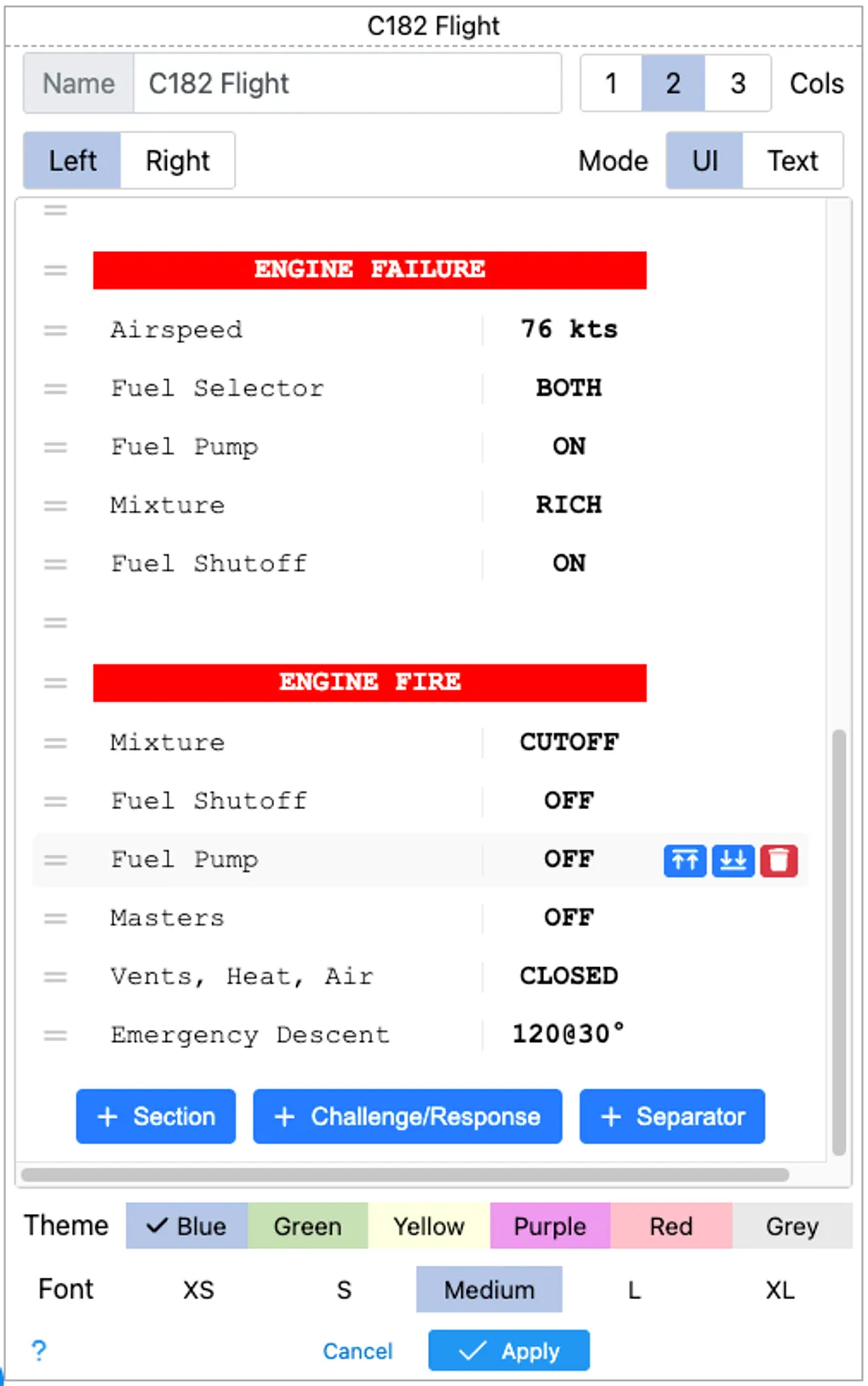
Here is a major usability upgrade for the Checklist page, which now offers a visual checklist editor on top of the text based editor. Pick your favorite checklist and click the settings icon in the upper left corner to access the editor:
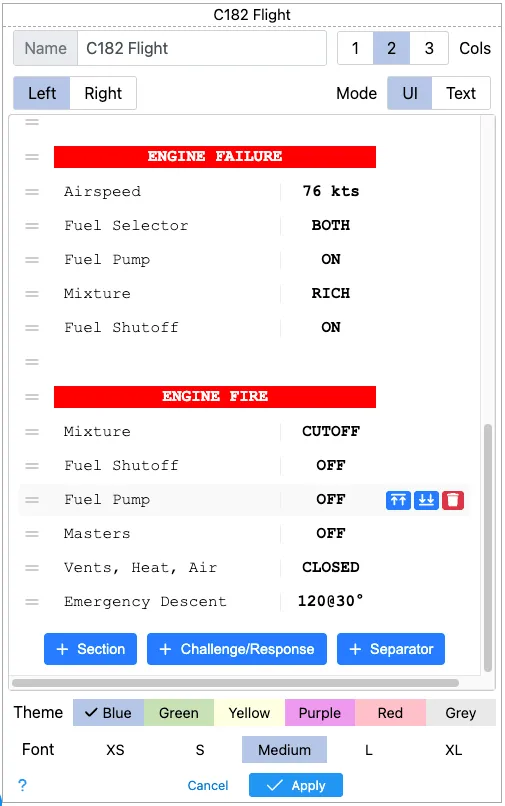
The top row should look familiar with the checklist name and the number of columns.
The middle portion has all the good stuff. You select which column to edit below the checklist name and take advantage of the new ui to : add, move, edit or delete items inside the list. You can also toggle between
The bottom portion is unchanged from previous editor so you can choose your checklist theme and font size.
Try for yourself at https://kneeboard.ga