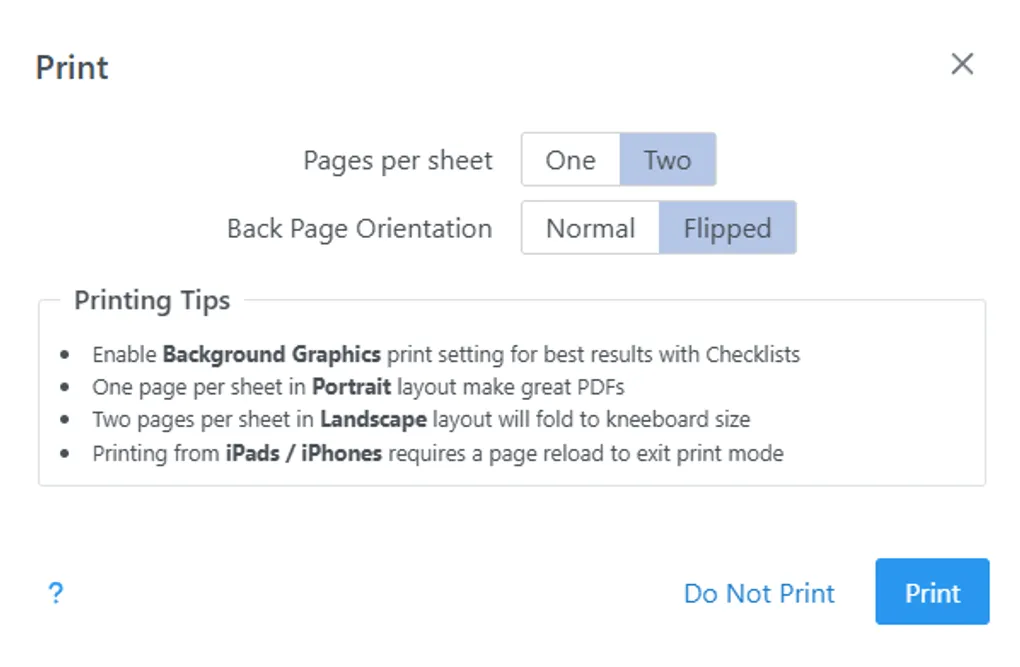
Printing and Laminating the C172 Flight and Emergencies Checklist
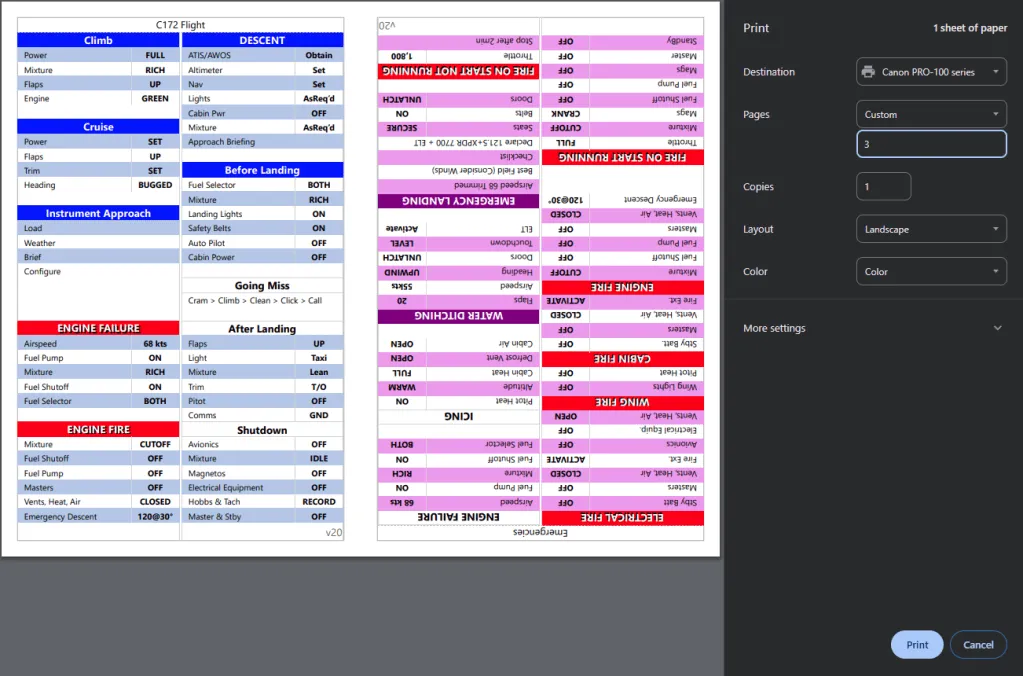
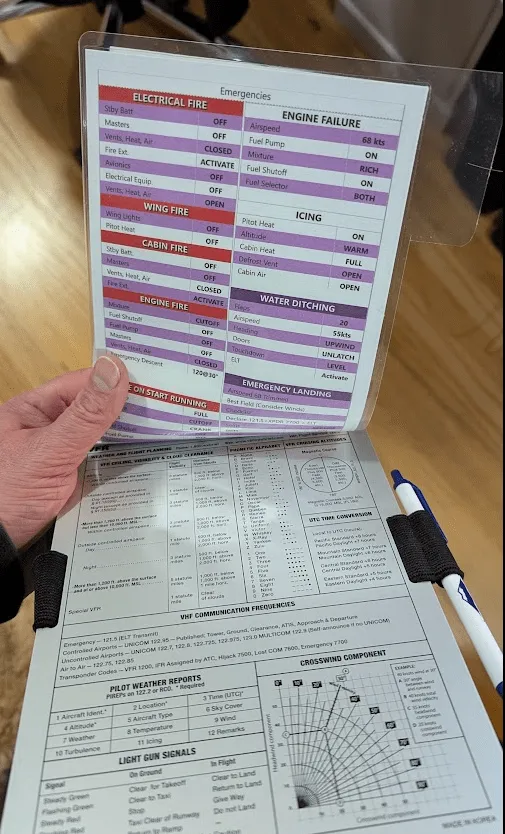
Let’s print this checklist with a flipped back page which will allow us to read emergencies without unclipping
Using a color printer improves legibility
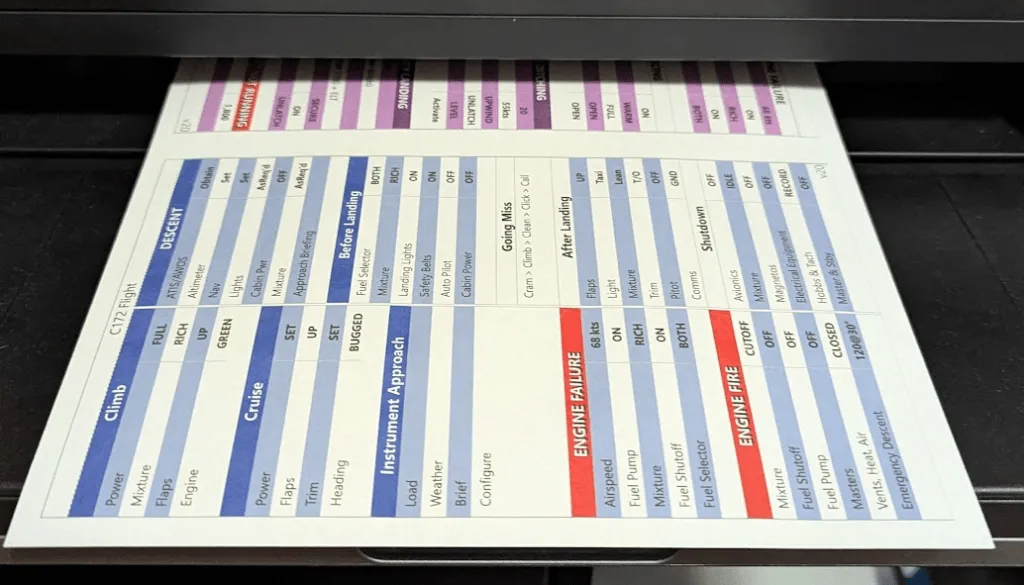
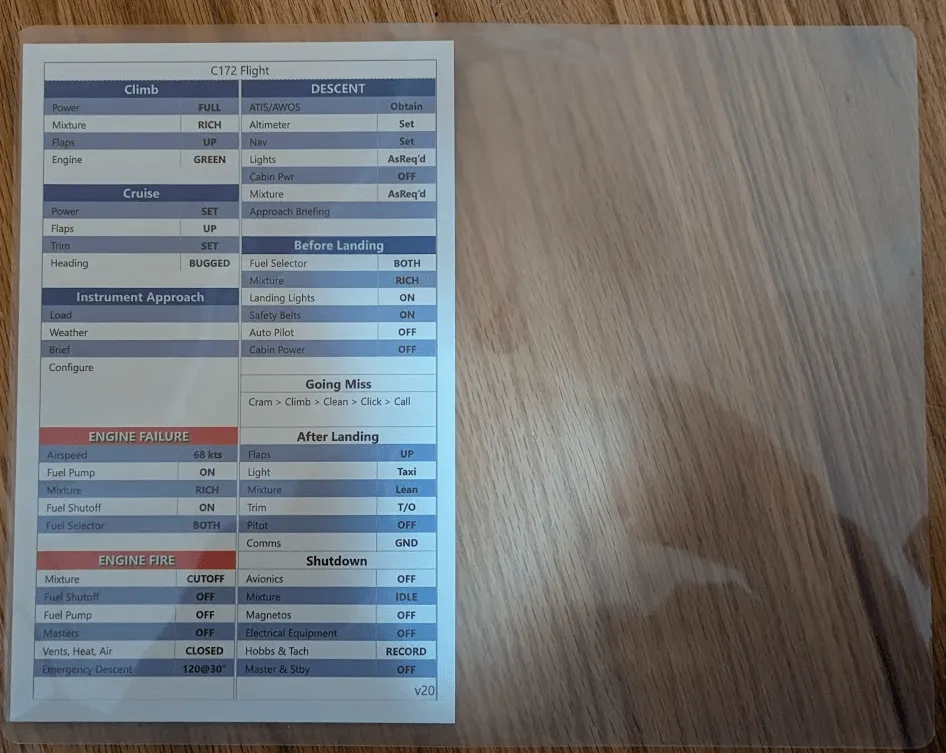
Let’s laminate the page for durability. We will also create a tab for easy access to the emergency side. On the photo below, notice all the extra space on the right
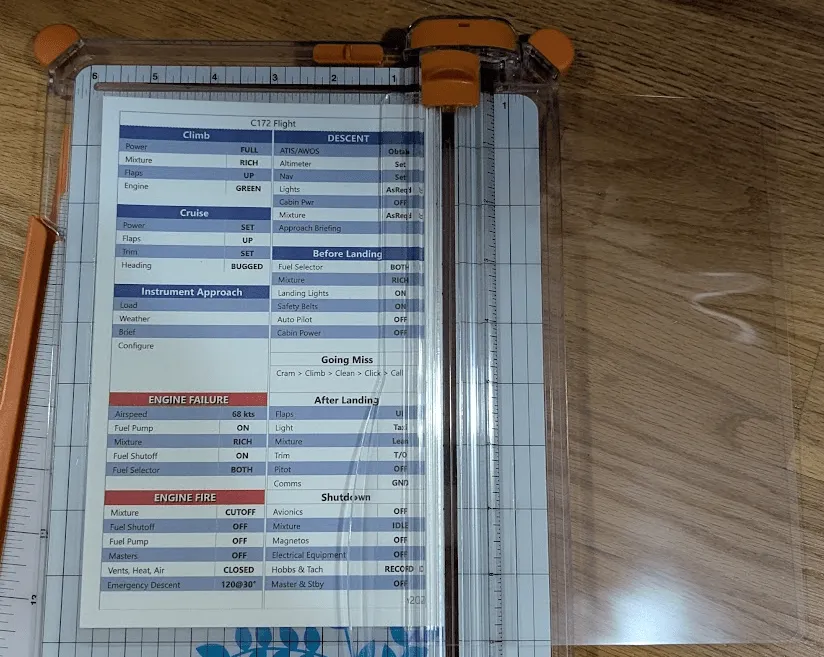
When you cut the excess, don’t go all the way to save a tab in the bottom right corner
The tab will end up looking something like this
You can round corners to prevent sharp edges
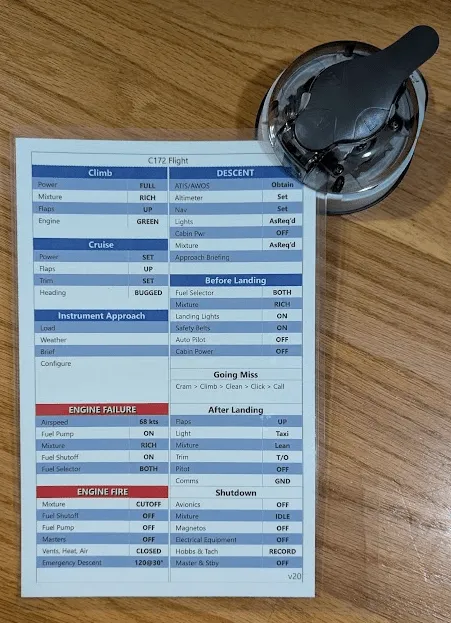
And voila! You have a great looking flight and emergencies checklist
Create one for yourself : https://kneeboard.ga