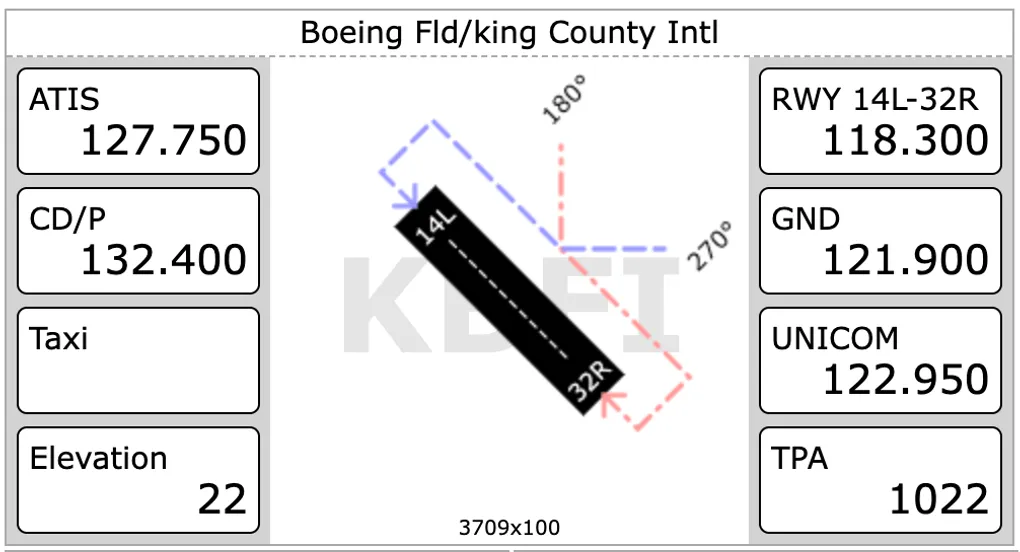
Merging Airport Tiles (v5081)
You are now able to merge two side by side Airport tiles if they are showing the same runway (at the same airport). You end up with a wider display and 8 data fields to work with. For example:
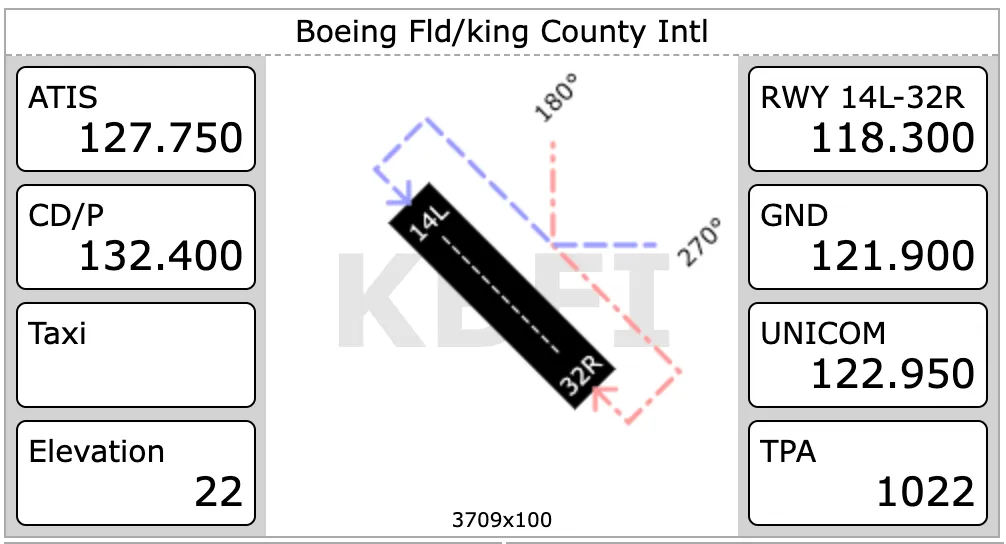
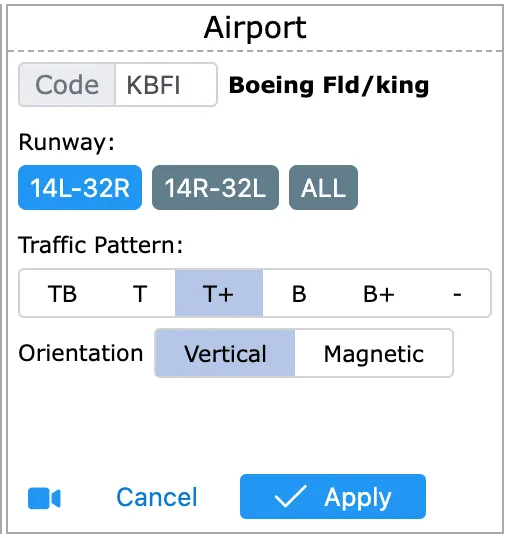
Further, Traffic Pattern hints is now configurable from tile settings. You can choose between the previously existing 4 modes (Both Runways, Top Runway 45, Top Runway Midfield, Bottom Runway 45 and Bottom Runway Midfield) as well as a new mode which allows you to remove the hint all together.
Settings will take advantage of the full width
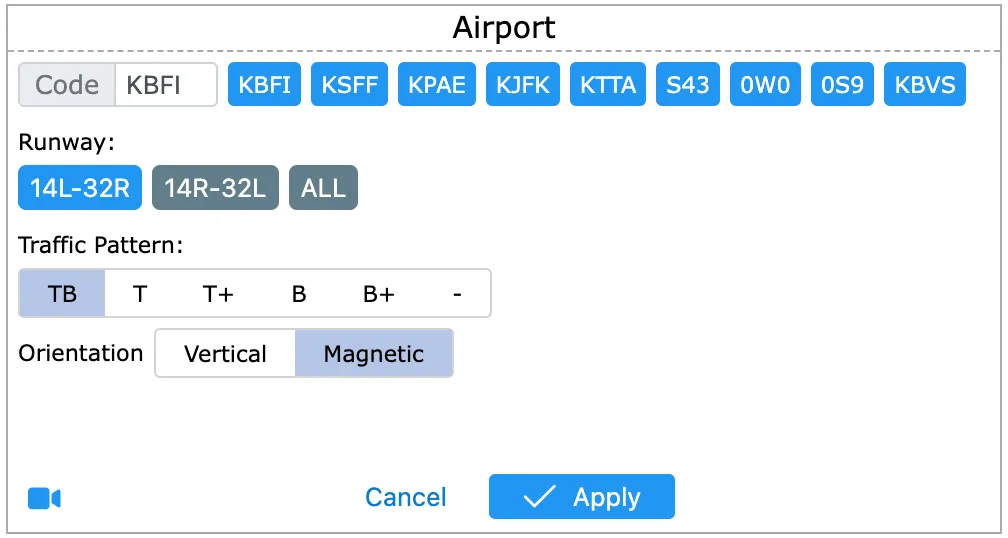
We also updated the tile behavior to show settings when you click on the Runway as oppose to cycle through traffic pattern hints.