Eject, Eject, Eject! (v920)
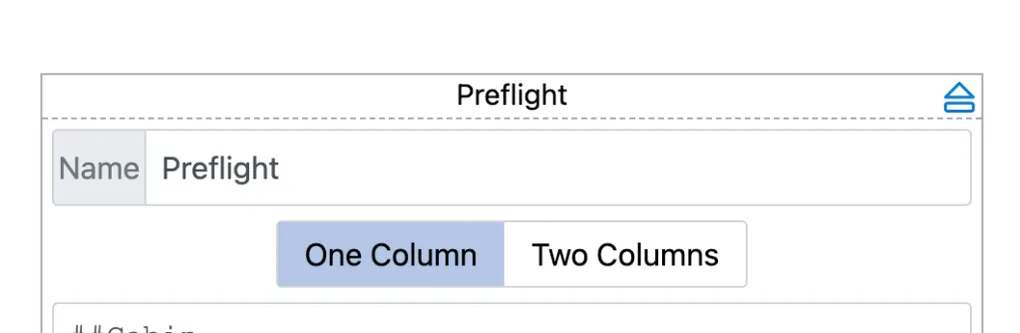
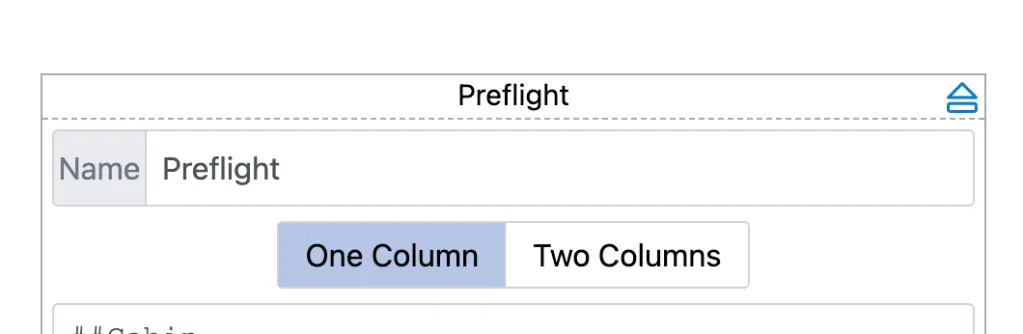
Minor updated today with the ability to replace individual pages as opposed to both using the “New” menu button. Its works the same as tiles with the eject button in the upper right corner
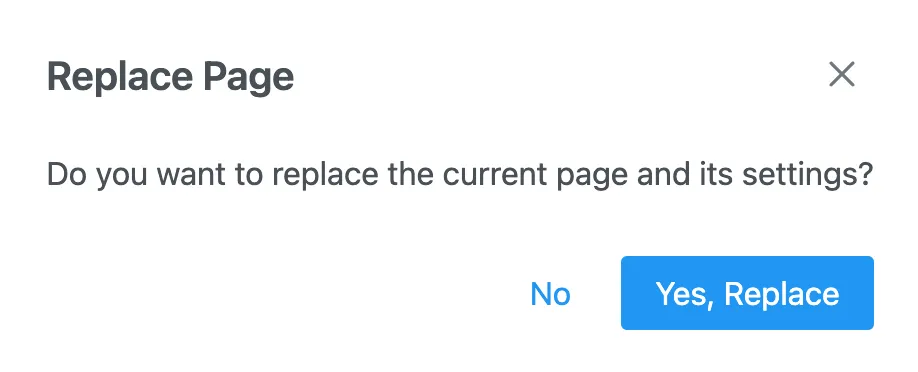
Which you will be able to confirm with the following popup. To be clear, you will lose unsaved data when you replace a page.
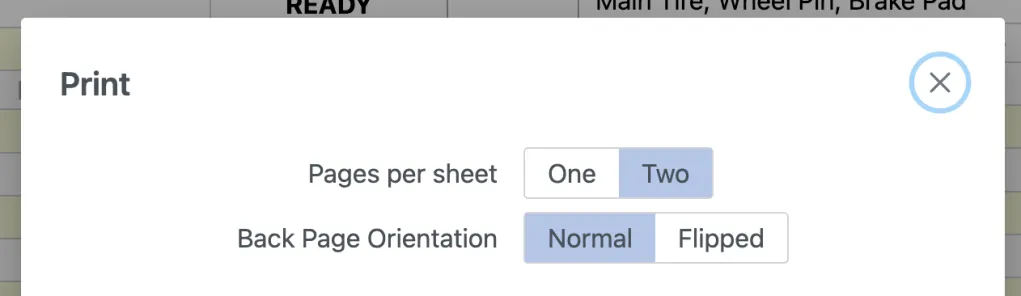
We also fixed the Checklist rendering on Mac and a weird behavior of the select button used across the app, which would allow you to have nothing selected. If you see black on light blue instead white on hard blue selection, you are using the latest version.