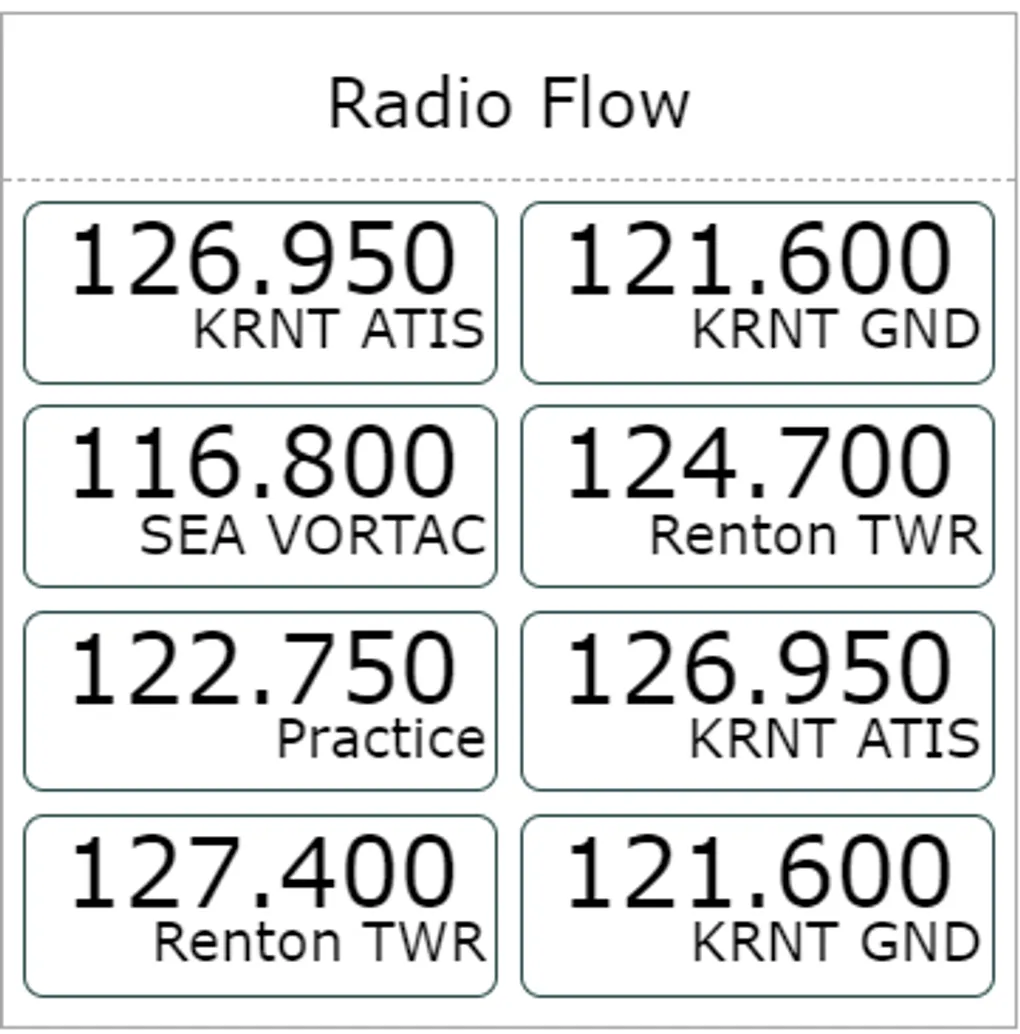
ATC in Radio Flow (v815)
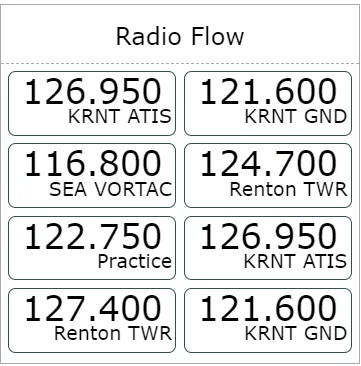
You can now add ATC frequencies to your radio frequencies with just few clicks, which should hopefully simplify your flying. Start by entering Radio Flow settings by clicking the header. As usual you can enter frequencies manually, by we want convenience. So let’s click on “Lookup”
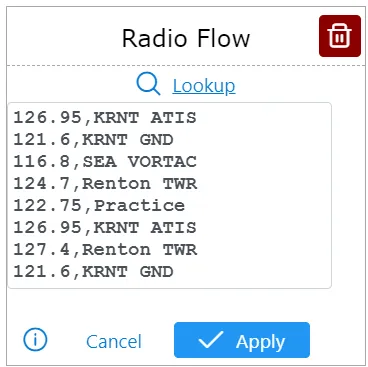
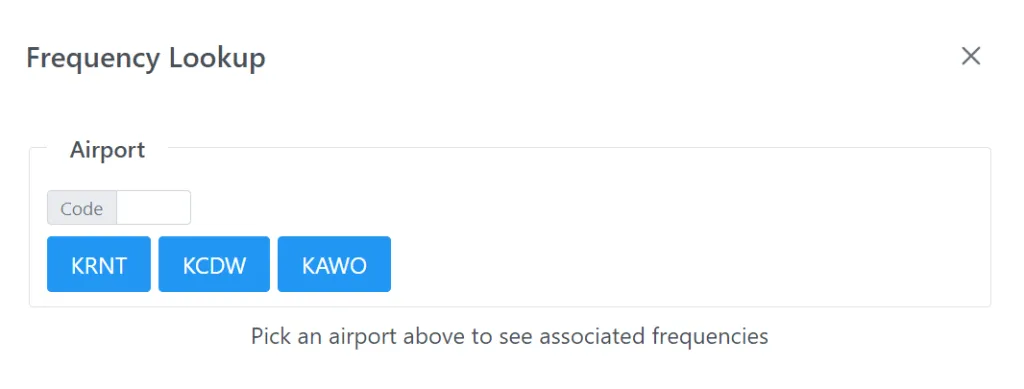
The Frequency Lookup dialog should popup, prompting you to select and Airport, which you can do by clicking an existing airport code or typing a new one. Once you have selected the airport, you should see all relevant frequencies, including ATC at the bottom.
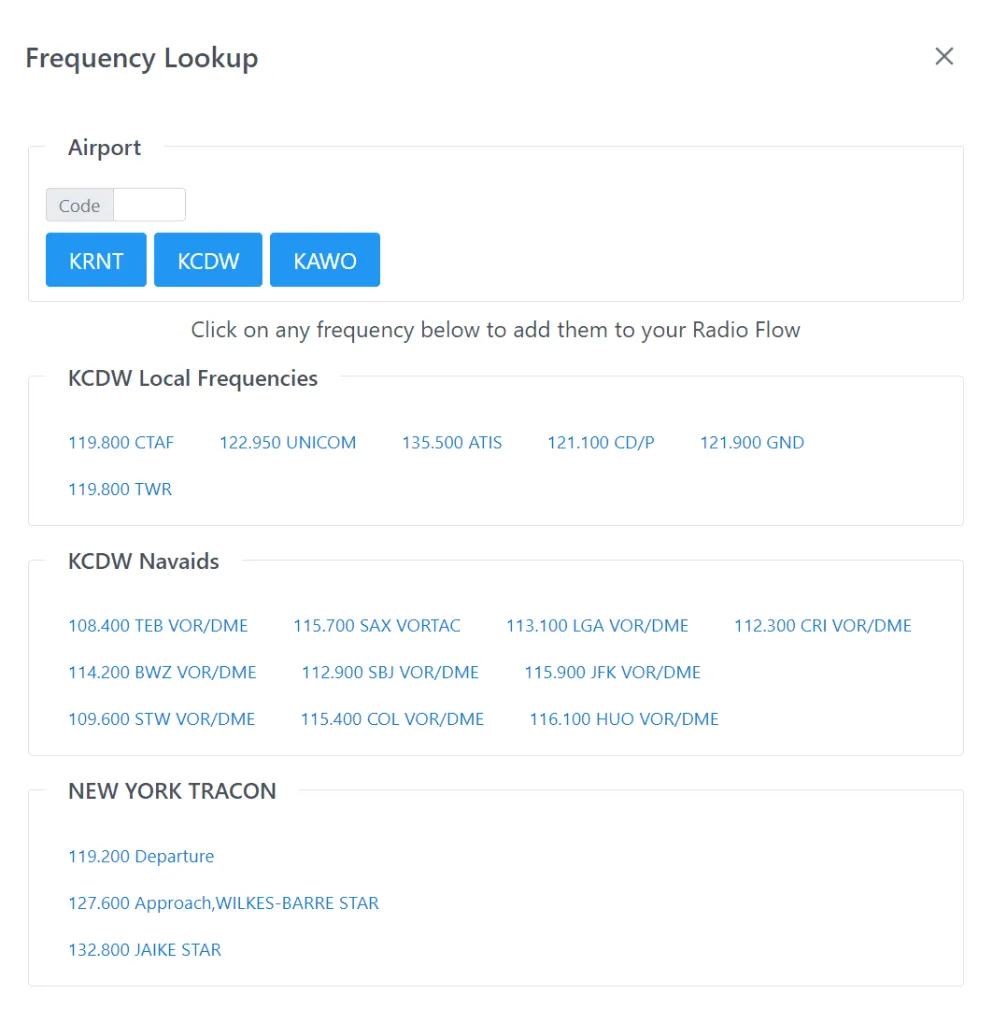
You can add frequencies into your list by clicking whichever makes sense for your flight. Close the popup with the cross button and voila! I hope this saves you time and bring great clarity to your Radio Flow.