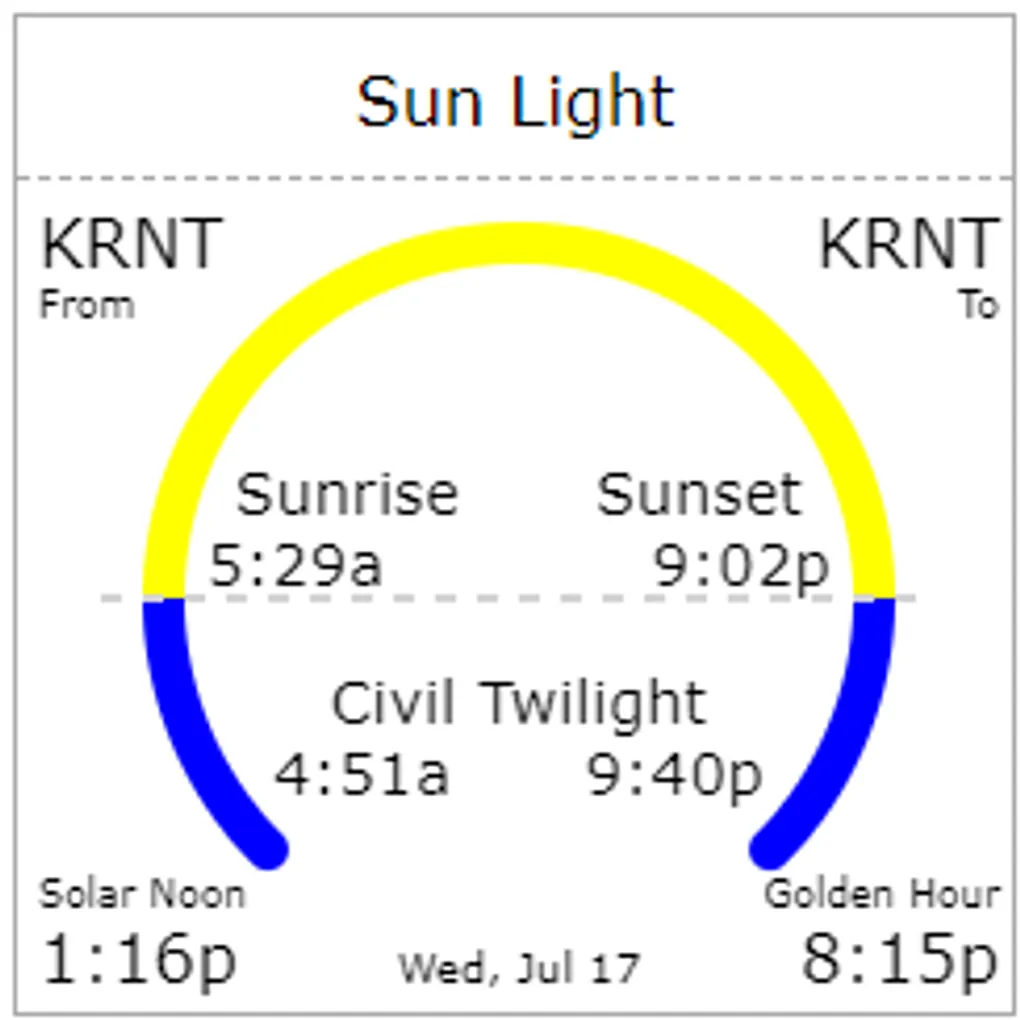
Sunlight Tile Guide
Sunlight provides sunset, sunrise and civil twilight hours for night flights, along with a couple of sun times for golden hour and solar noon. The tile can be used in “Day” or “Night” mode. You can tell them apart with the yellow arc position.
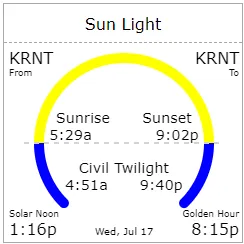
In day mode, the blue arc on the left starts at the beginning of the morning civil twilight, then transitions to yellow at sunrise, then back to blue at sunset. The end of the right blue arc indicates the end of evening civil twilight. In day mode, you get Solar Noon and Golden Hours as extra data in the corners. The bottom label shows the date for all hours in the tile, which change everyday.
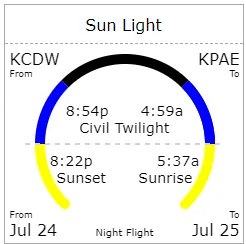
In night mode, the left yellow arc ends at sunset, then the blue arc kicks in until the end of evening civil twilight and the black arc sets in until the beginning of morning civil twilight. Right yellow arc kicks in at sunrise.
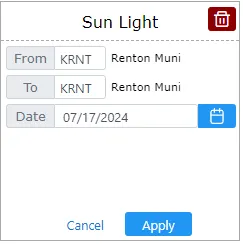
When choosing two different airports, data on the left will pertain to the “From” airport while data to the right will be related to the “To” airport.