Checklist Section "Strong" mode and more Guides (v810)
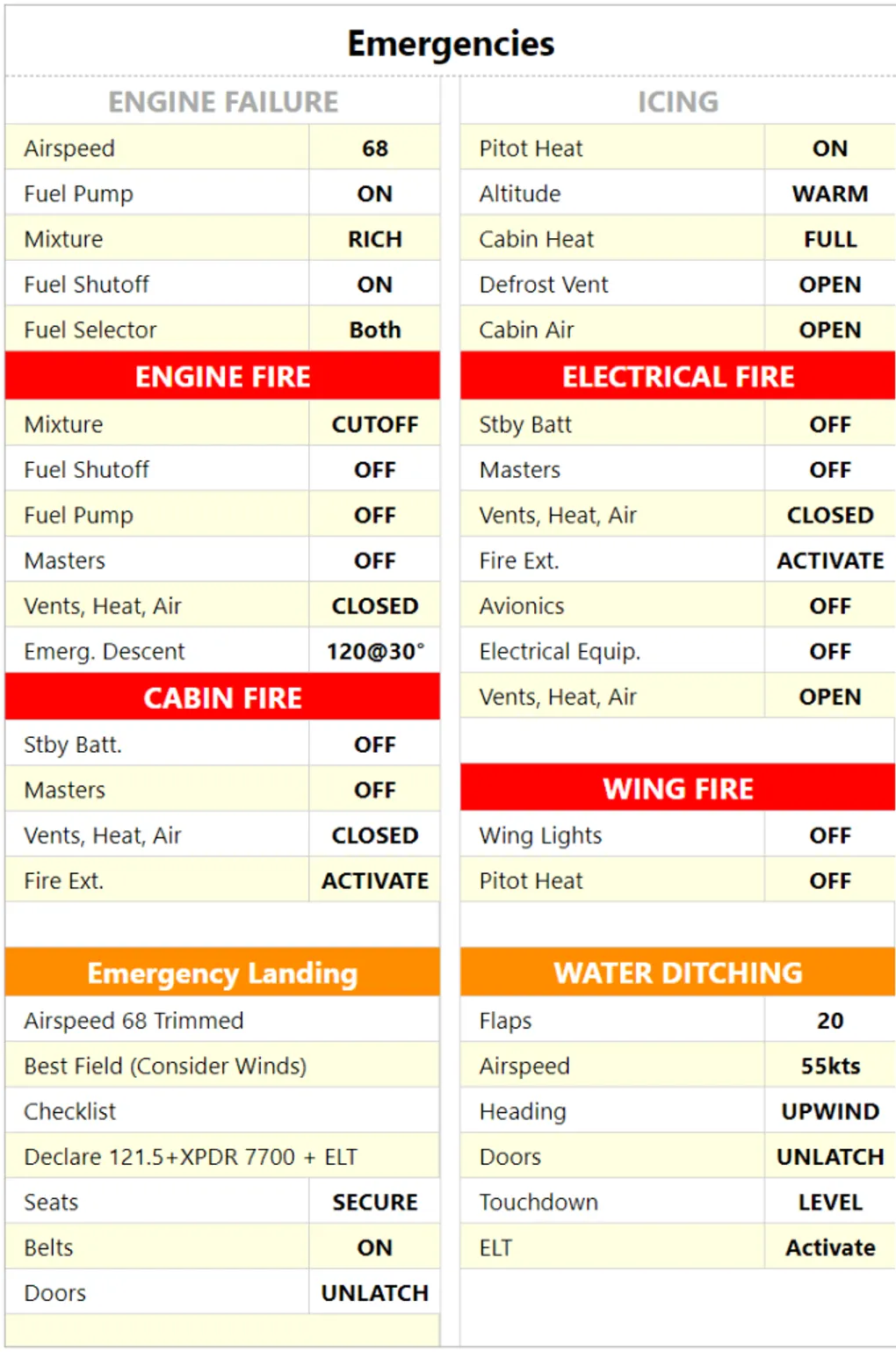
You can now use the “strong” mode in checklist section headers which highlights the title according to the current theme. For example in the list below, “Emergency Landing” and “WATER DITCHING” are using the strong mode of yellow theme.
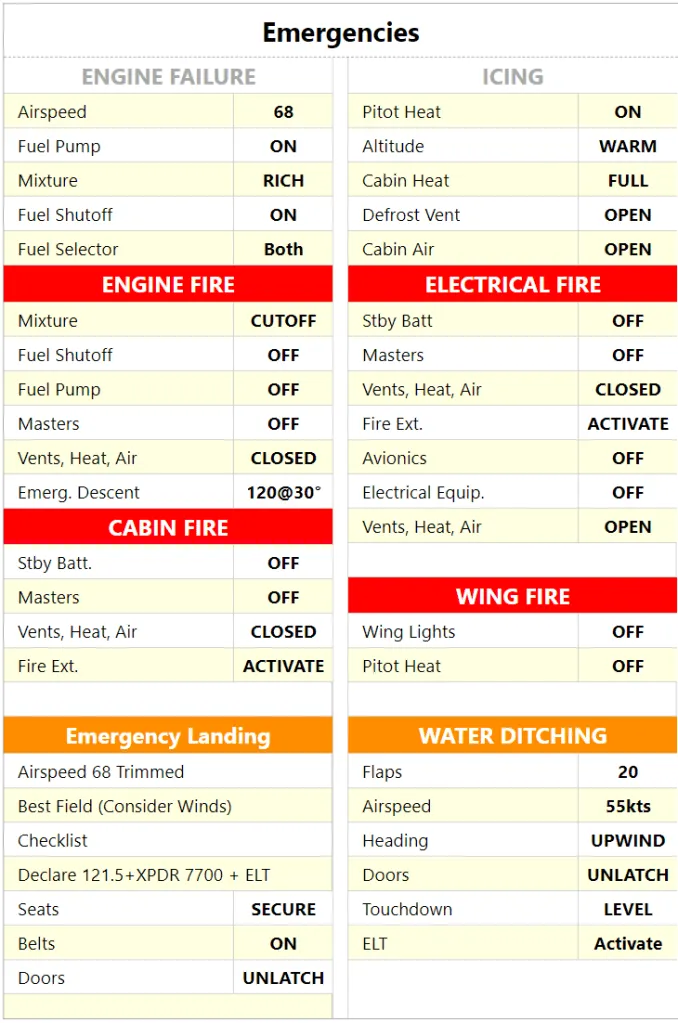
To enable strong mode, just prefix your section header text with ’*’. Checklist syntax guide has been updated to include this change. For example:
##*Emergency Landing
You will also notice several tiles (Fuel Bug, Sunlight and Radio Flow) now have an “info” button in the bottom left corner of their edit mode. It links to their individual guide.