Emergent Sections and Checklist Help (v809)
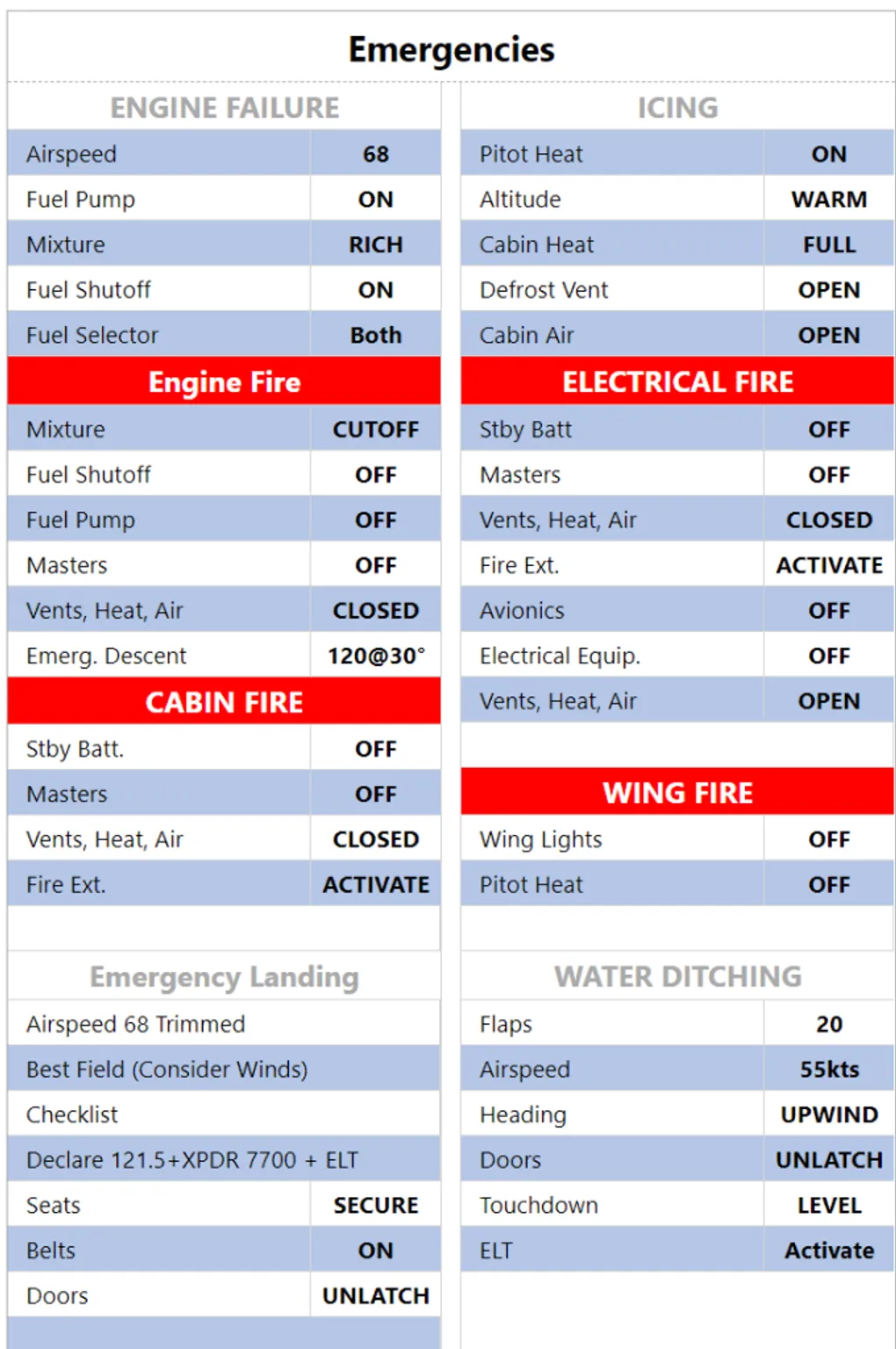
Two new features today : you can now use the emergent flag in checklist section header, which renders as white on red. You can also access checklist syntax guide from the “info” button in the bottom left corner.
In order to get the red background, just prefix your checklist section with ’!’ For example, ##!Engine Fire gives the result below. The checklist syntax guide has been updated accordingly
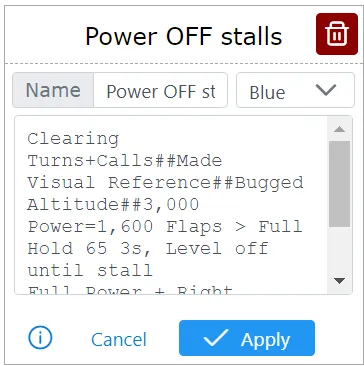
You can also access checklist syntax guide from the “Info” button in the bottom left corner of checklist settings:
Anything missing? Let us know via the feedback feature.