Sharing Kneeboard Sheets (v802)
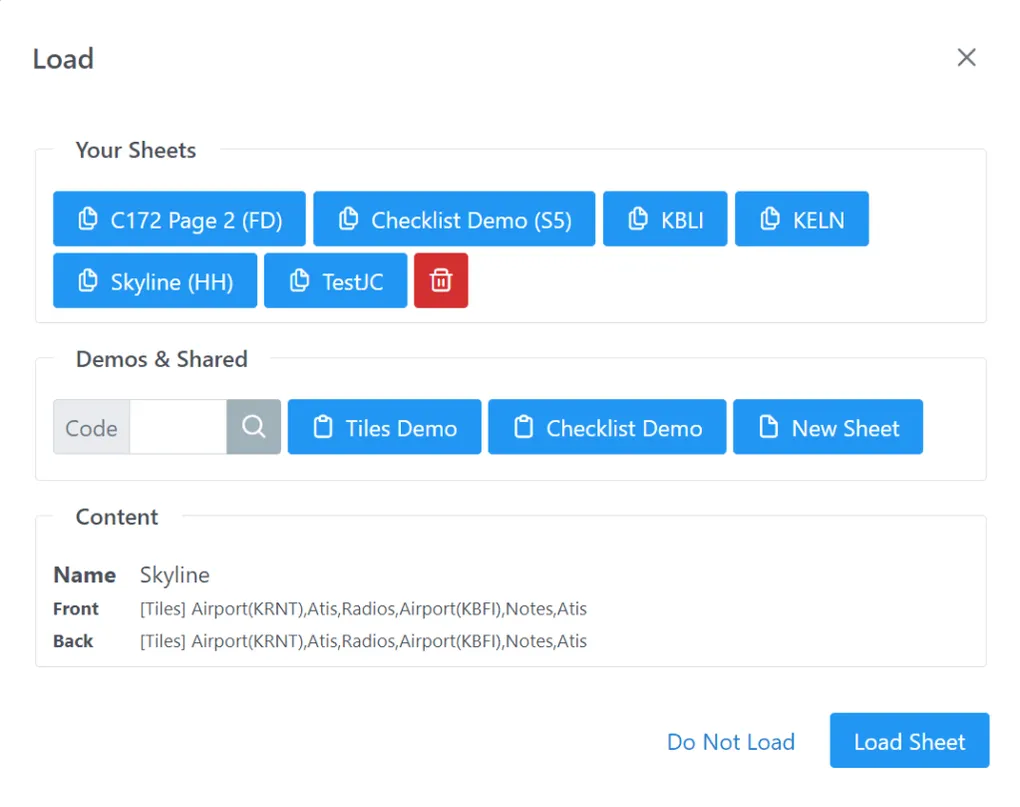
As of today you can share and load kneeboard sheets from other users. To load a shared sheet, use the “Load” menu entry, and type a code in the “Demo & Shared” section. A description of the said sheet should load in the “Content” section. You can go ahead and load my “Skyline” sheet with code “HH”
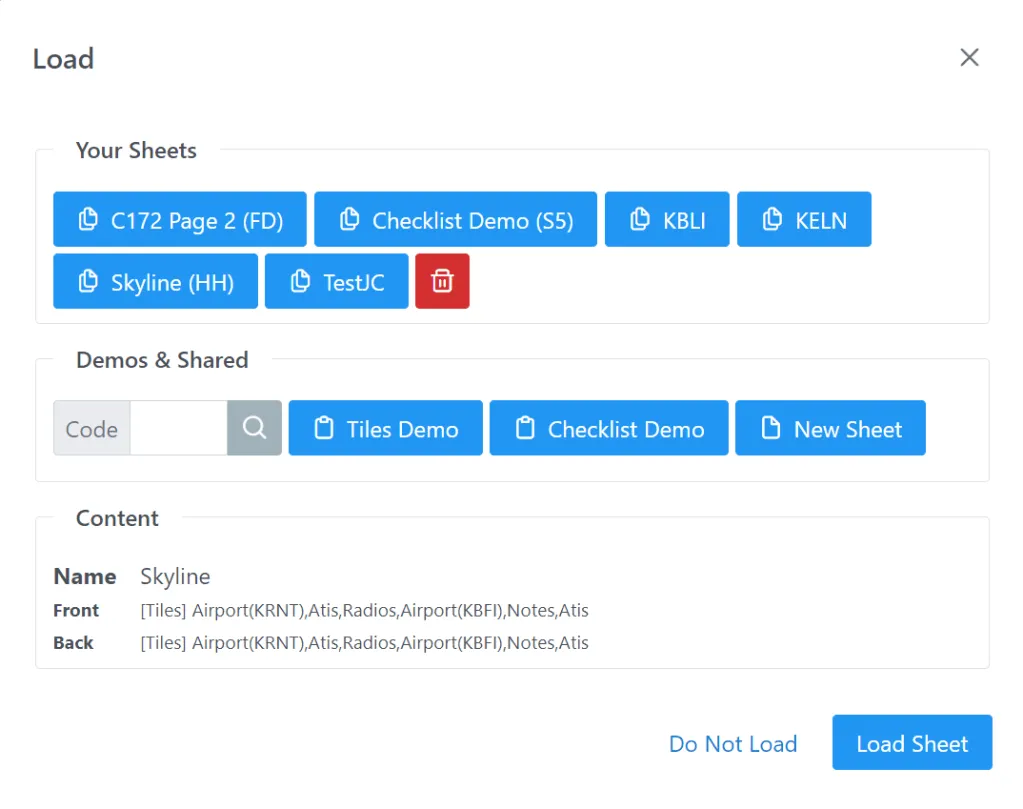
Actually, from the screen above you can see that I am already sharing 3 sheets with code “FD”, “S5” and “HH”. If you want to share your cool creations, you can do so from the “Save” menu dialog.
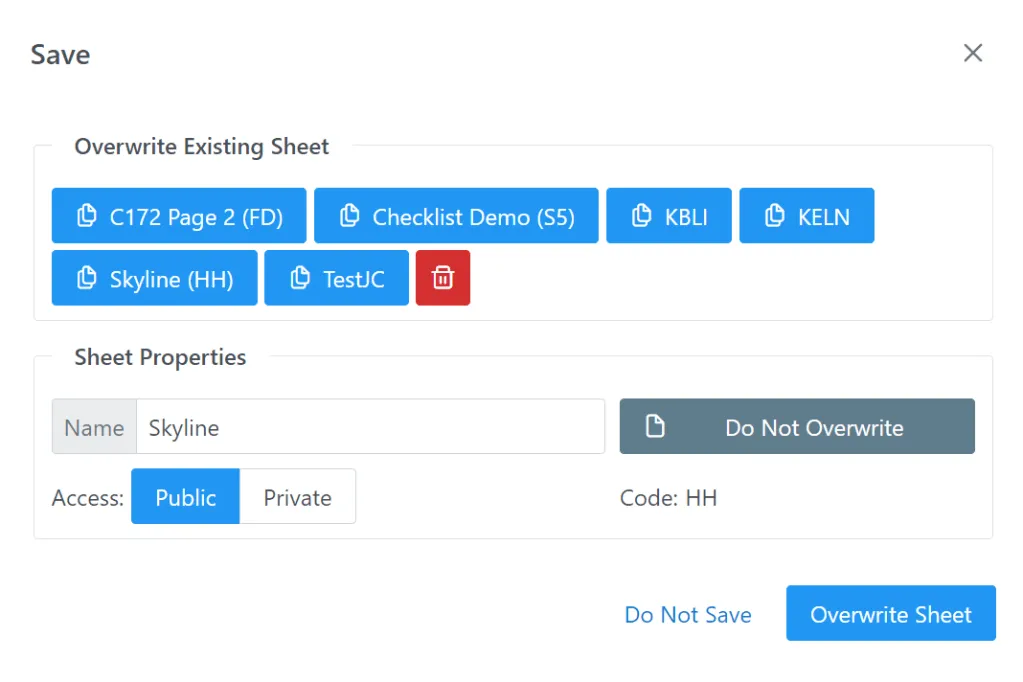
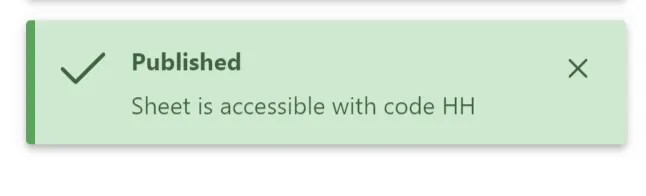
You need to set sheet access to “Public” and Overwrite (or Save), which should give a toast looking like this
You can also go back to your “Load” or “Save” screen to see what code has been assigned to your custom sheet. Codes are globally unique and randomly generated.
I guess, the work is now on your side. Please share your creations and post them on our Facebook group !