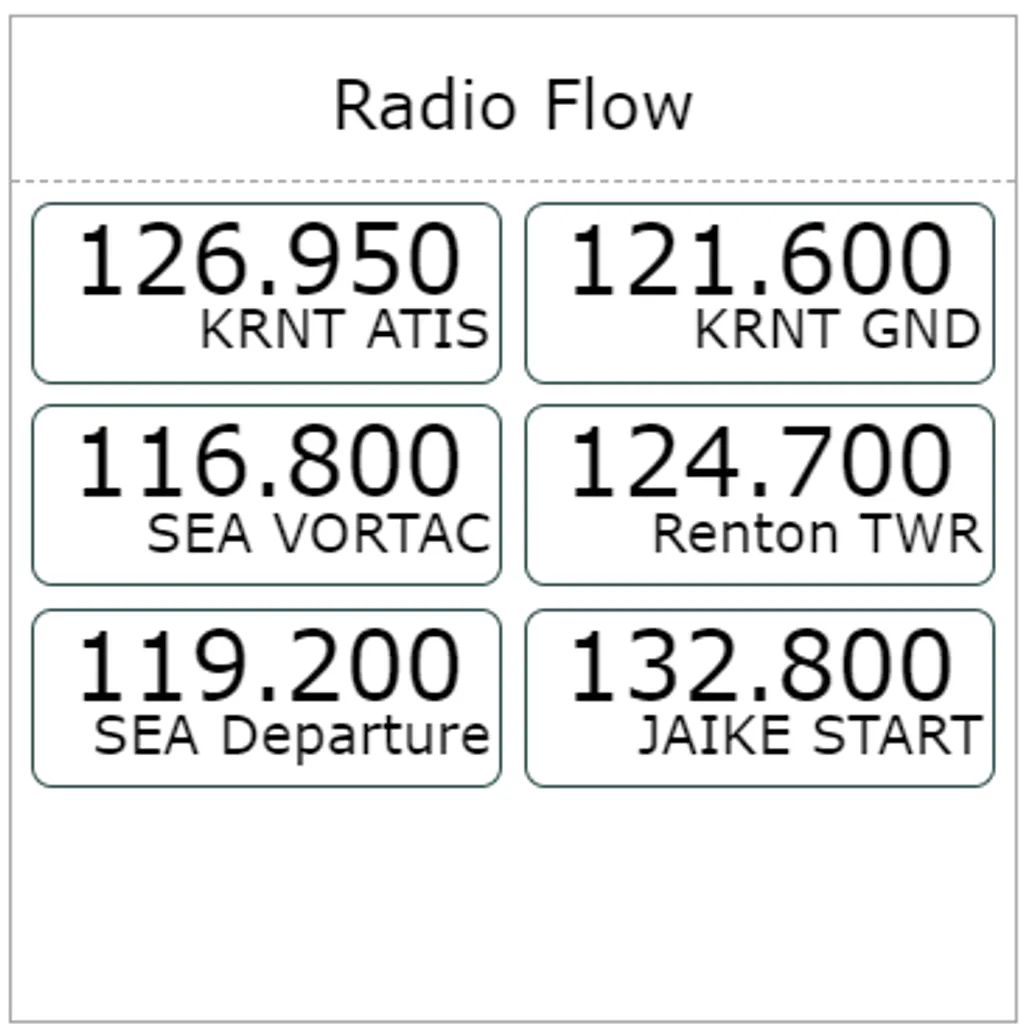
Radio Flow Tile Guide
Note : This post has been superseded by the Radio Tile Guide
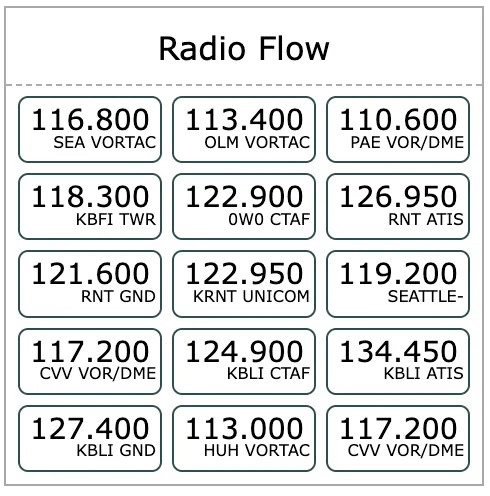
This tile works well when you are flying cross country or just want to have your frequencies written down. It can show up to 18 frequencies although anything at or below 8 is more legible:
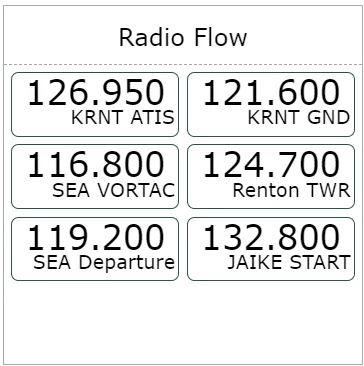
The list of frequencies can be configured by entering edit mode, by clicking on the header. The list uses coma separated values which can be reordered / modified as you wish within a limit of 15 entries
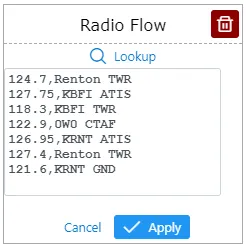
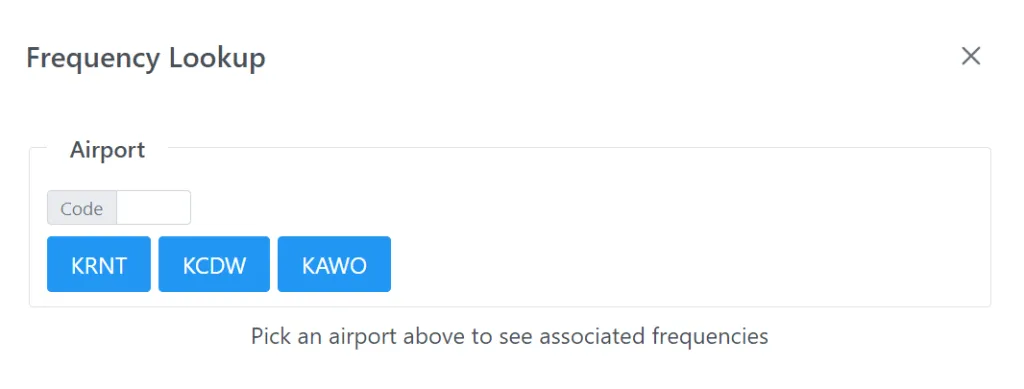
Thanks to the “Lookup” feature, you shouldn’t have to type anything. If you click on the magnifying glass, you can either select an airport code already in the sheet or type a new one.
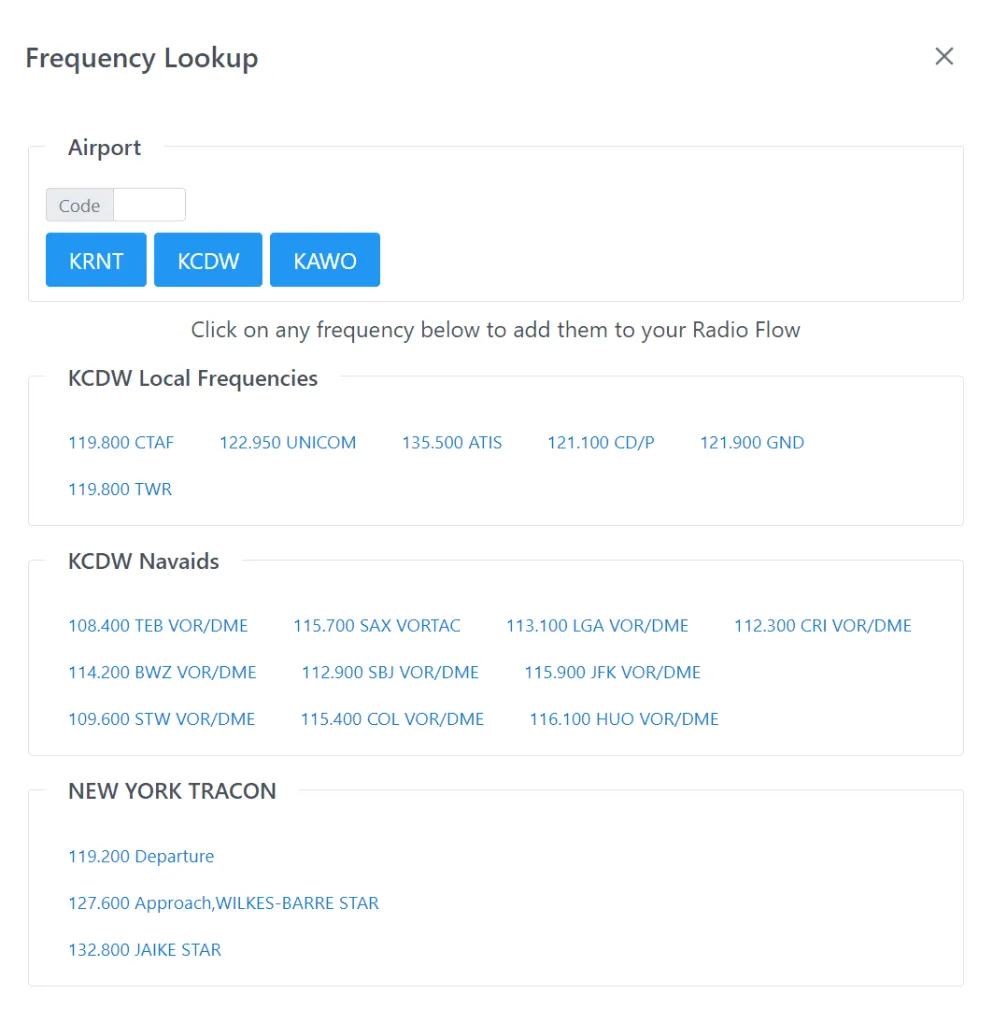
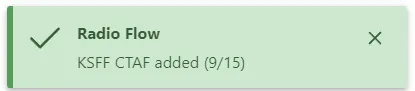
Next, you can click any frequency below the airport, which will be added to your Radio Flow. Click as many frequencies as you need, while keeping an eye on the total count, then go back to the list by clicking ‘Done’. If you have a doubt about a particular frequency, just mouse over to see its details.
And that’s it. You know have a list off all your handy frequencies on your lap.