Fuel Bug Tile Guide
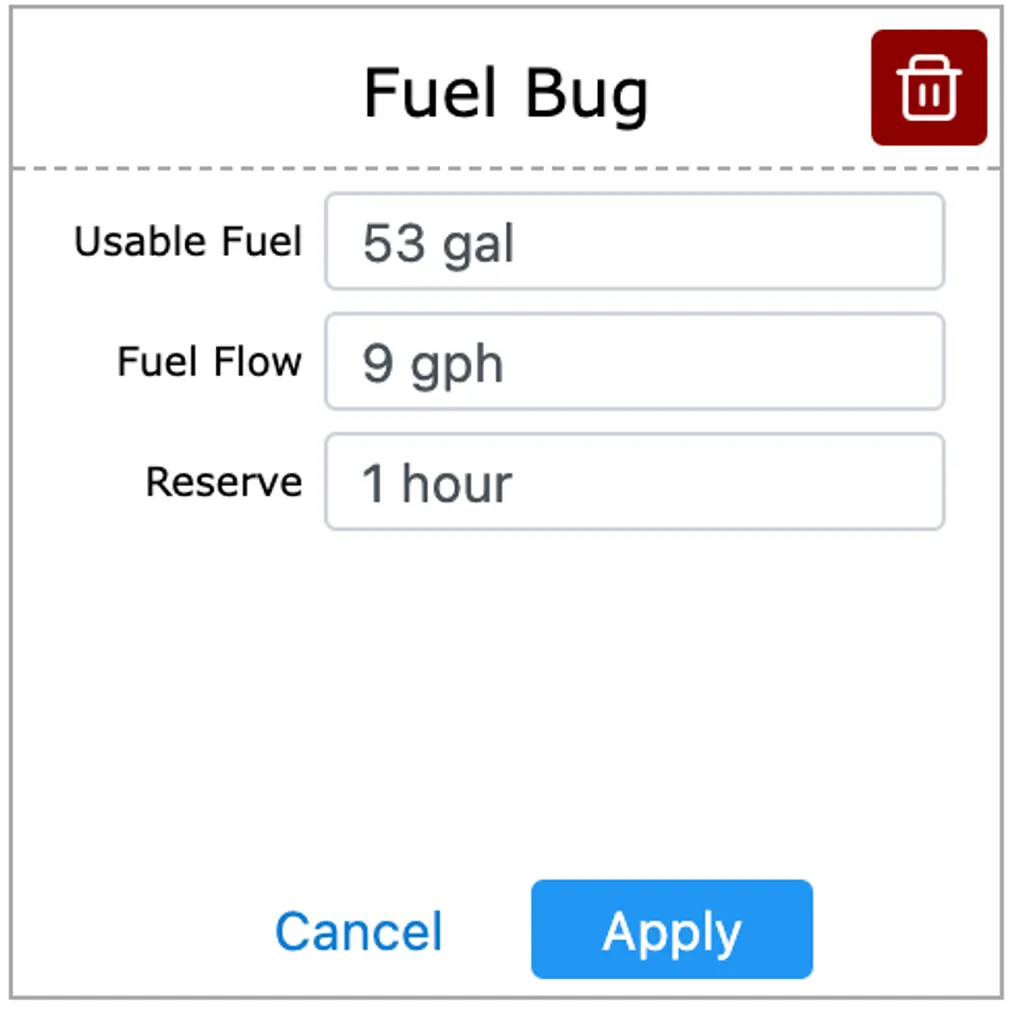
This tile is meant to check your fuel burn is where it’s supposed to be. You start by configuring your aircraft settings by clicking the tile header. By default it matches a C172S
First, you need to calculate your expected fuel level based off your navlog or aircraft performance. You would then pick time based or location base and write down what your fuel level should be, using one of the 8 boxes. Here for example, I use a fuel check every 30min from departure. So of after 1h30min my fuel is way below 35Gal, I know something is off.
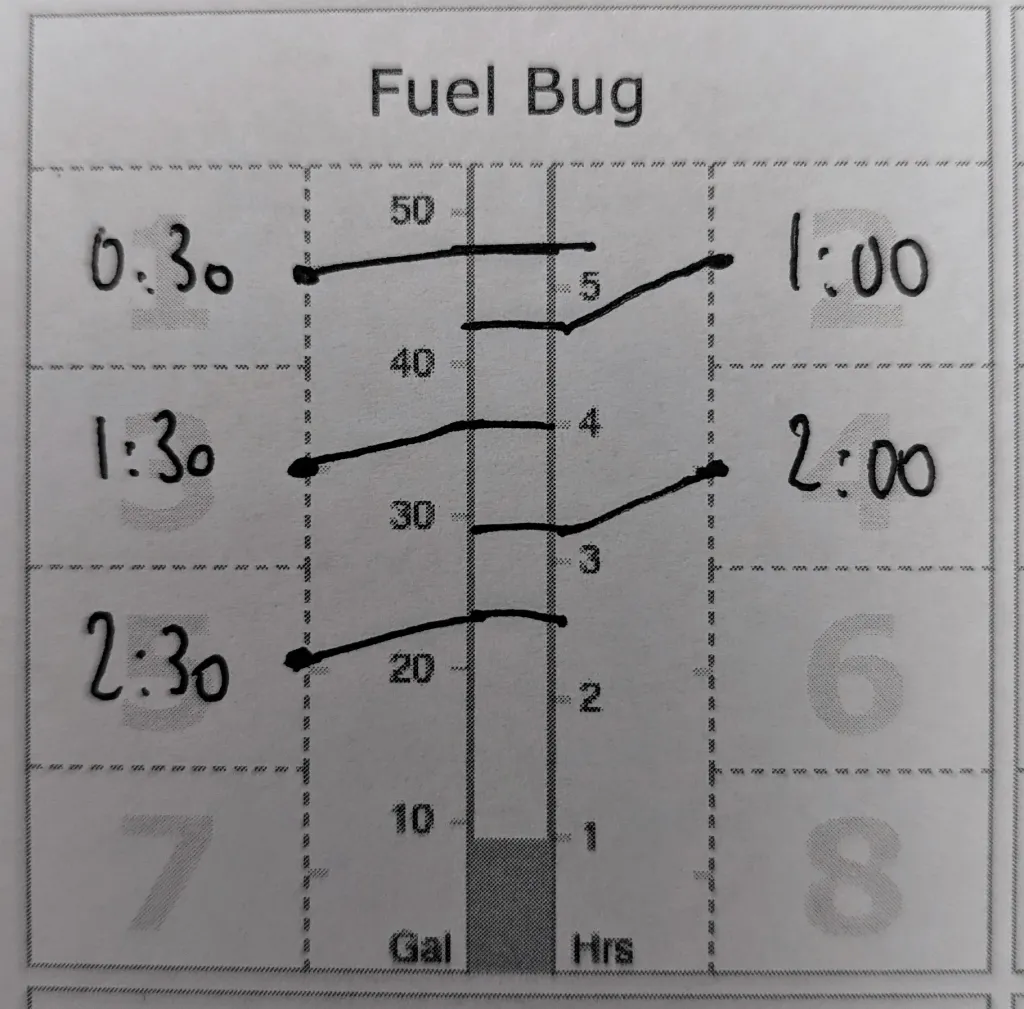
You can do the same by using your navlog waypoints instead of time checks. It will not catch a 0.5Gal discrepancy, but it will tell you if you forgot your fuel cap on the ramp.
Note : When you print a kneeboard with this tile, enable “Background graphics” to get the proper transparency for box numbers. Otherwise they will show too dark.