ATIS Tile Guide
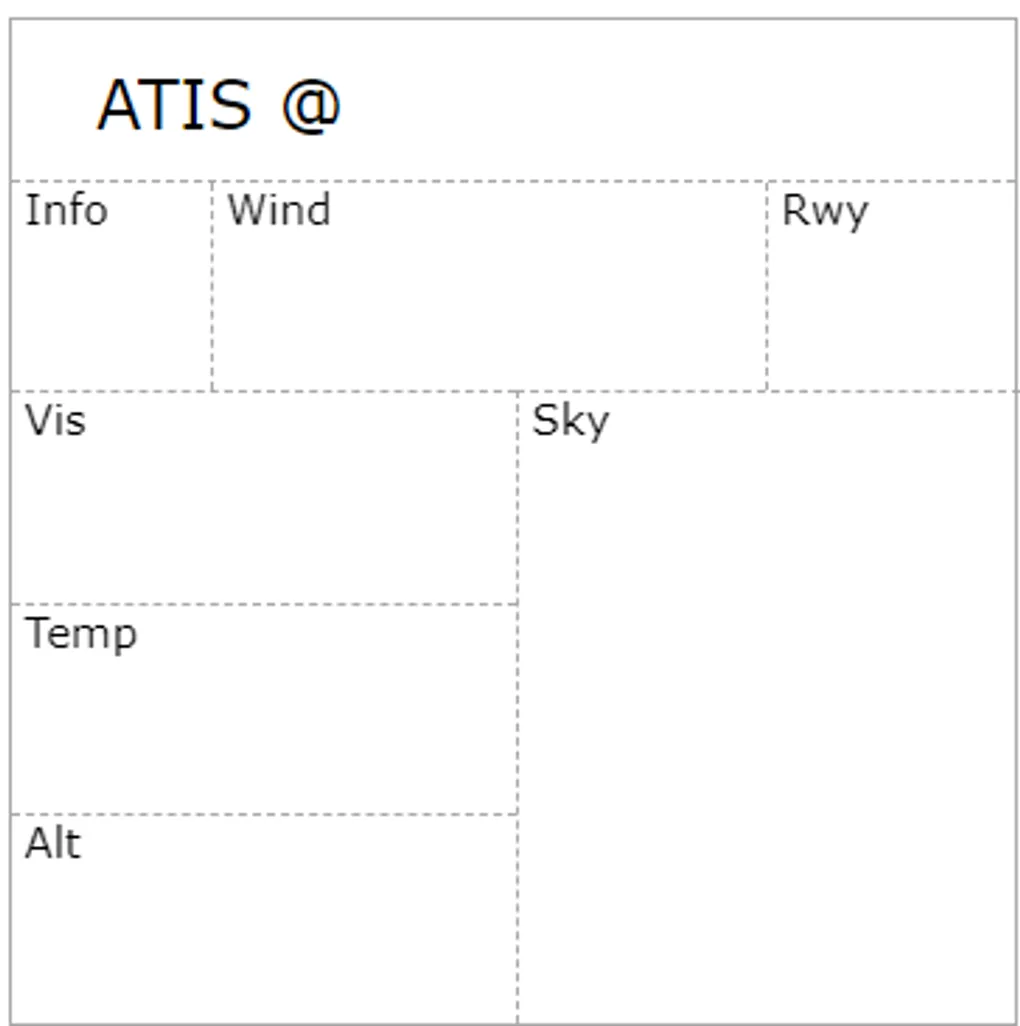
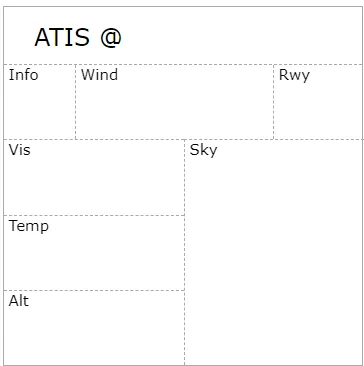
This simple tile gives you a place to write down weather information, either inflight or on the ground. By default, the tile shows all standard weather information
It comes with two modes which you can select by clicking the tile header.
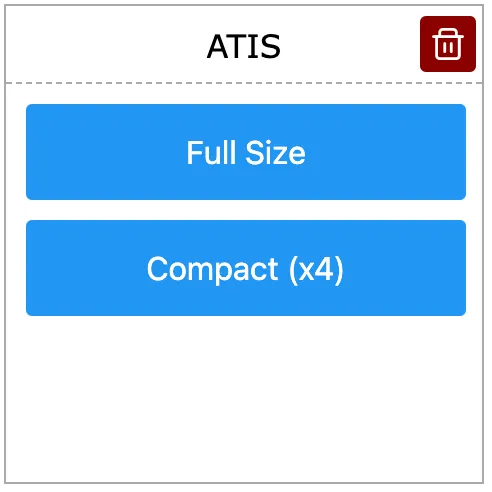
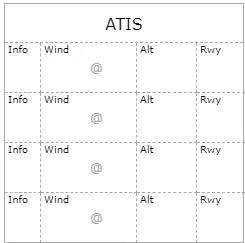
“Full Size” is the mode at the top and is convenient when you are on the ground and have more time to write. “Compact” is meant to be used in the air, as you pickup ATIS/ASOS/AWOS as you go
That’s it. A very simple tile that turns out to be one of the most useful for me. Any feedback? Let us know via the Feedback feature.